Most comparisons between these two builders treat them as general-purpose WordPress tools and score them on things like design flexibility or how many widgets ship in the box. That’s fine if you’re building a portfolio site. It tells you almost nothing if what you’re actually building is a review page that needs to load fast, hold a comparison table, carry a dozen affiliate links, and convert a visitor who showed up from a search result with one specific question in mind.
Elementor and Beaver Builder both do the job of “build a page without touching code.” The differences that matter for affiliate work show up in the details: how much weight each one adds to a page, how cleanly it handles tables and pricing boxes, and whether it fights you when you try to wire up link cloaking and tracking.
What an affiliate landing page actually demands from a builder
An affiliate review or bridge page has a narrow job. It needs to load quickly, because a slow page loses visitors before they reach the comparison table or the call-to-action button. It needs to present structured content cleanly: pros and cons, pricing tiers, star ratings, comparison grids. And it needs every outbound link to be trackable and cloak-able, because knowing which button someone clicked before they converted is how you figure out what to write more of.

None of that requires a builder with hundreds of widgets or a huge design system. It requires a builder that stays light, handles tables and boxes without a fight, and doesn’t quietly rewrite your links or strip the attributes your tracking plugin depends on.
Page load speed: the hidden cost of bloated builders
This is where the two builders diverge the most, and it’s the piece that generic reviews tend to gloss over. Elementor, used with its full feature set and a handful of its own add-ons, tends to load more CSS and JavaScript per page than a simpler builder would. On a short landing page that’s a minor cost. On a long-form review page with a comparison table, several image blocks, and an affiliate disclosure box, that extra weight stacks up and shows in page speed testing tools.
Beaver Builder has a reputation for a lighter front-end footprint. It generates less of its own CSS and relies more on the active theme, which means a page built in Beaver Builder often ships less code to the browser for the same layout. For a page whose entire job is to rank in search and convert the click, that difference in load time is not cosmetic. Search engines factor page speed into ranking, and visitors on mobile connections abandon slow pages before the comparison table even renders.

Neither builder is “fast” or “slow” in isolation. What actually determines your page speed is how many of the builder’s own add-ons and widgets you load, how many third-party plugins you stack on top, and what hosting the site sits on. If your host is already a weak link, no builder choice will fix it. That’s worth sorting out separately; see the best hosting providers for affiliate marketers if your pages are slow regardless of which builder you use.
Still, all else equal, Beaver Builder starts from a lighter baseline. Elementor can be brought close with careful settings, disabling unused features and limiting add-ons, but that takes deliberate effort rather than being the default.
Building a review page or comparison table in each editor
Elementor’s editor is built around a visual, drag-and-drop canvas with a large library of widgets, and for affiliate content specifically it has strong options for building pricing tables, star-rating boxes, and pros-and-cons columns without a single line of CSS. If you’re building a product review page with a verdict box, a rating widget, and a “check price” button, Elementor gets you there quickly because most of the pieces already exist as drag-in widgets.
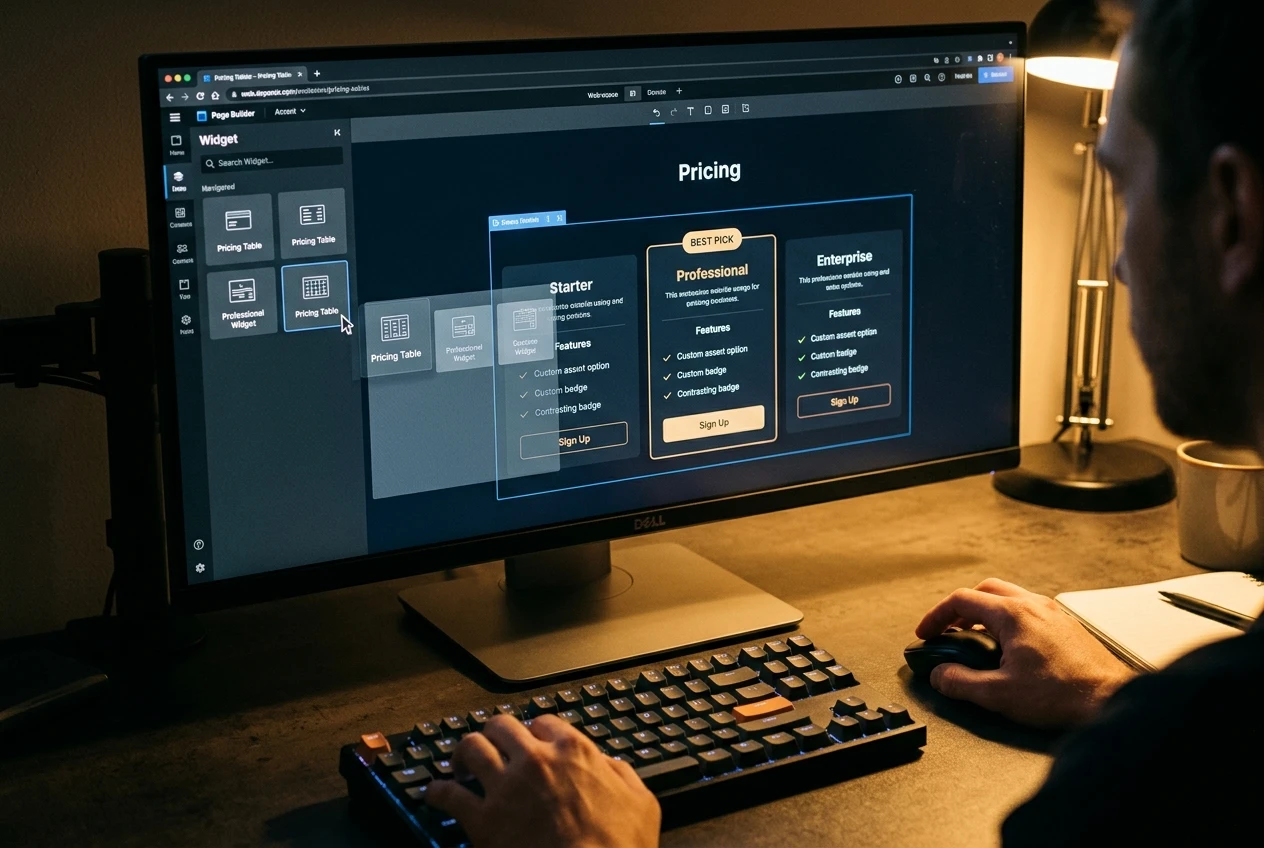
Comparison tables are where this shows most clearly. Elementor’s table and pricing widgets let you lay out a side-by-side comparison, add a highlighted “best pick” column, and style it without touching code. Beaver Builder’s native table options are more basic, and building a polished comparison grid usually means leaning on a separate table plugin or a Beaver Builder add-on pack rather than something built into the core editor.
Beaver Builder’s strength is in how fast you can lay out a simple page: headline, image, body copy, call-to-action button, repeated down the page. Its editing interface is less visually dense than Elementor’s, and for a straightforward bridge page, that simplicity means less time spent hunting through settings panels. If your affiliate pages are mostly single-product bridge pages rather than multi-product comparisons, Beaver Builder’s plainer toolset doesn’t cost you much.
For review pages specifically, which are the bread and butter of most affiliate sites, Elementor’s wider widget set and stronger table handling give it the edge on build speed once you’re past the initial setup.
Where each one gets in the way of affiliate link tracking
This is the part most builder comparisons skip entirely, and it’s arguably the most important one for affiliate work. A page builder shouldn’t interfere with how your links are cloaked, shortened, or tracked, but some do, in small ways that cost you data without you noticing.

Elementor’s button and link widgets accept a standard URL field and generally pass through link shortcodes and cloaked URLs from plugins like ThirstyAffiliates or Pretty Links without stripping them, as long as you’re inserting the cloaked link directly rather than relying on a shortcode inside a text widget that the visual editor might mangle. The more common friction point is with Elementor’s own link attributes: its UI for adding “nofollow” or opening links in a new tab is separate from your link cloaking plugin’s settings, so it’s easy to end up with conflicting rel attributes if you set nofollow in both places.
Beaver Builder’s link fields are simpler and tend to behave more predictably with cloaking plugins, largely because there’s less for the builder itself to add on top of a plain URL or button link. If your workflow depends heavily on pasting cloaked links into text blocks rather than dedicated button widgets, Beaver Builder’s text editor handles that cleanly.
Neither builder breaks UTM parameters or query strings appended to a link, and neither interferes with click-tracking scripts loaded through a separate plugin. The practical rule for both: use the builder’s dedicated button or link widget rather than hand-coding a link inside a paragraph block, check your rendered page’s link attributes after publishing, and keep your cloaking and tracking settings in one plugin rather than spread across the builder and a pl